| Shortcut | Action |
|---|---|
| m | Add markers |
| S-r | Regions: select time selection |
| Drag | Move region including content |
| A-Drag | Move region without moving content |
| C-Drag | Duplicate region |
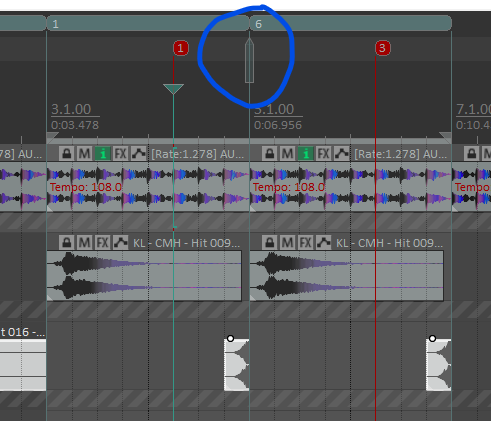
When dragging, a cursor appears indicating where the start of the moved/copied region will go.
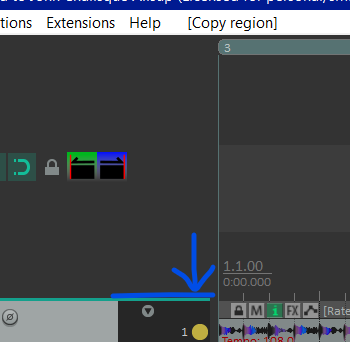
Regions can be stacked. To see stacked regions, increase the ruler size at the top:
Deleting Regions Including Contents
- Double click the region to set the time selection to that region.
- Use this action:
Time Selection: Remove contents of time selection (moving later items)- If you don't have this as a shortcut, you can search for
remove laterin the action dialog to find it quickly.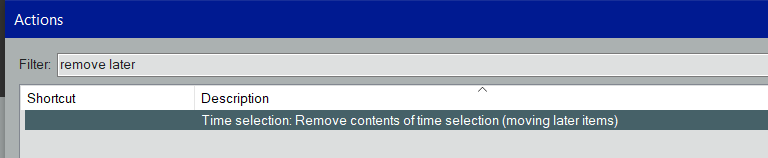
- If you don't have this as a shortcut, you can search for
It doesn't appear that there is an action to clear the contents of the time selection but leaving everything else as is.