Basics
Add Texture To Object
Source: TutsByKai on Youtube
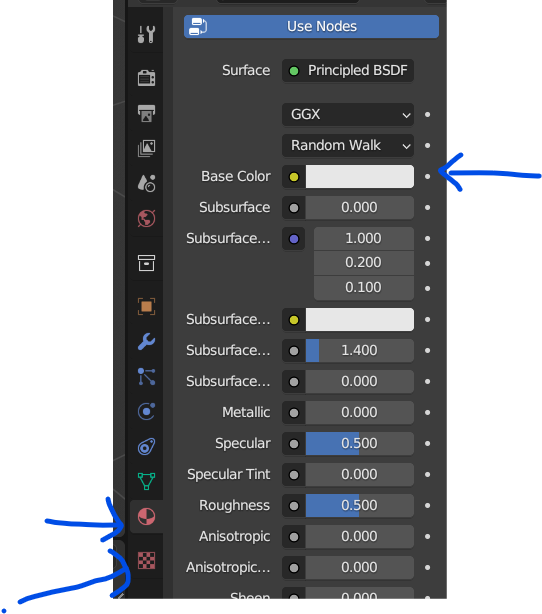
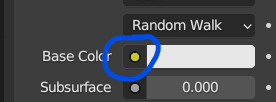
In the Material Panel (upper blue arrow on left) click on the circle to the left of Base Color:
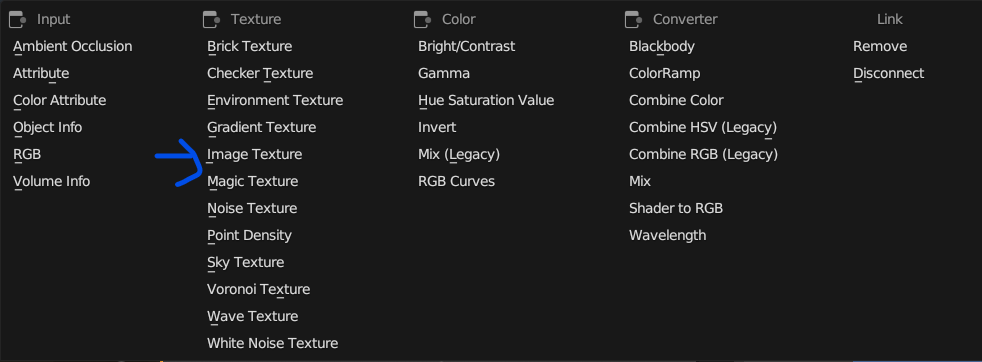
This brings up the following selector, click on the item indicated by the blue arrow.
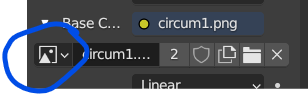
Then you can select the texture image.
Layering Textures
Source: Youtube video by chillinator
Use nodes. Open the Shader Editor (Shift-F3). Use the mix node.
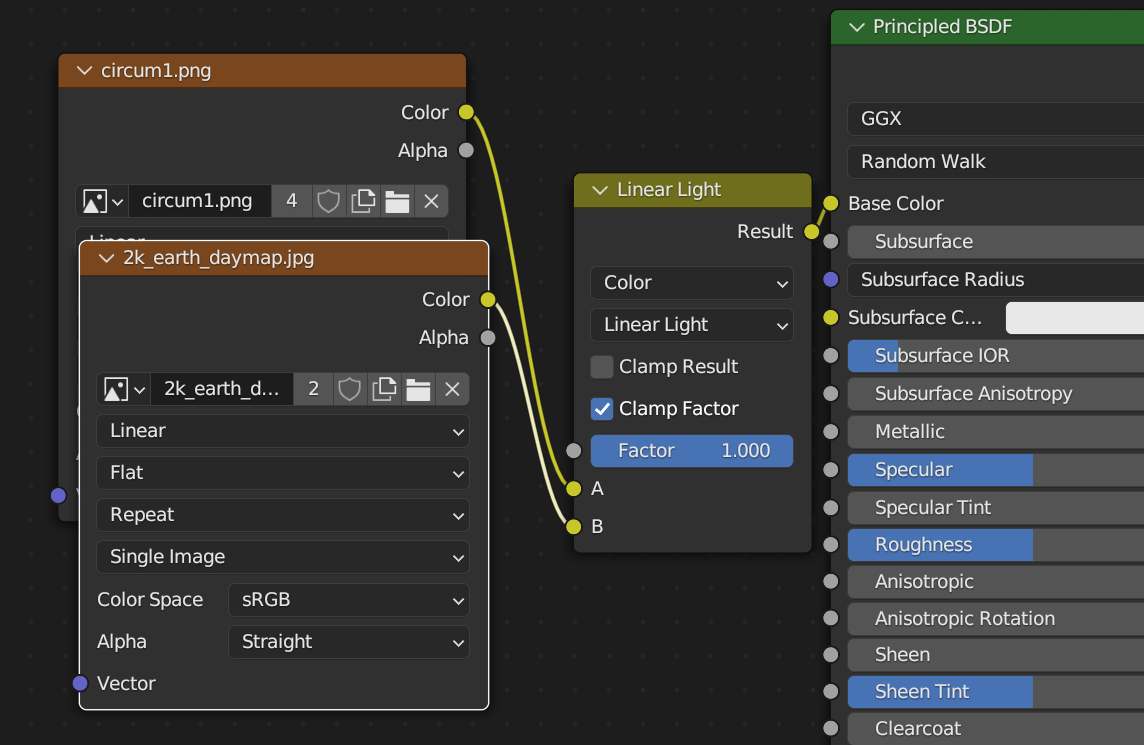
The result of this is:
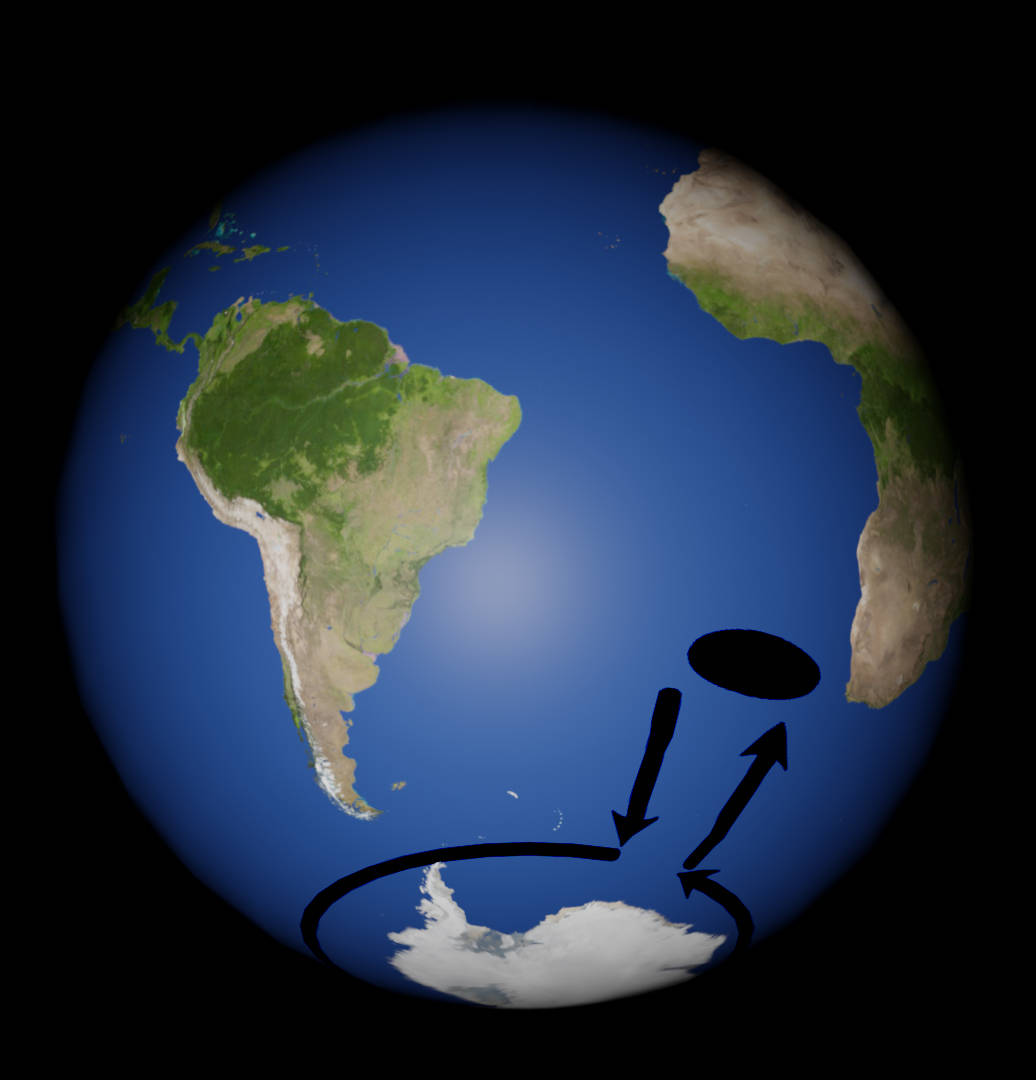
where one texture is the Earth map, and the other is a PNG with the black lines.