About aw/hedgehog/ideas
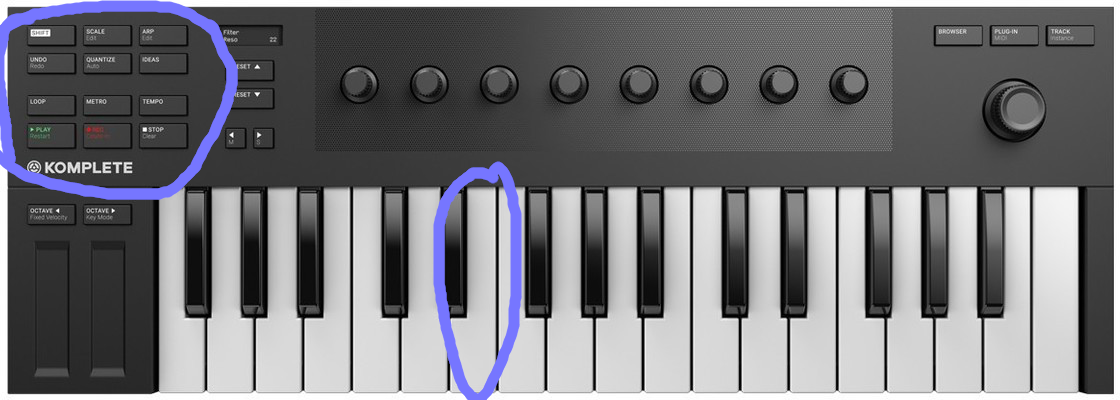
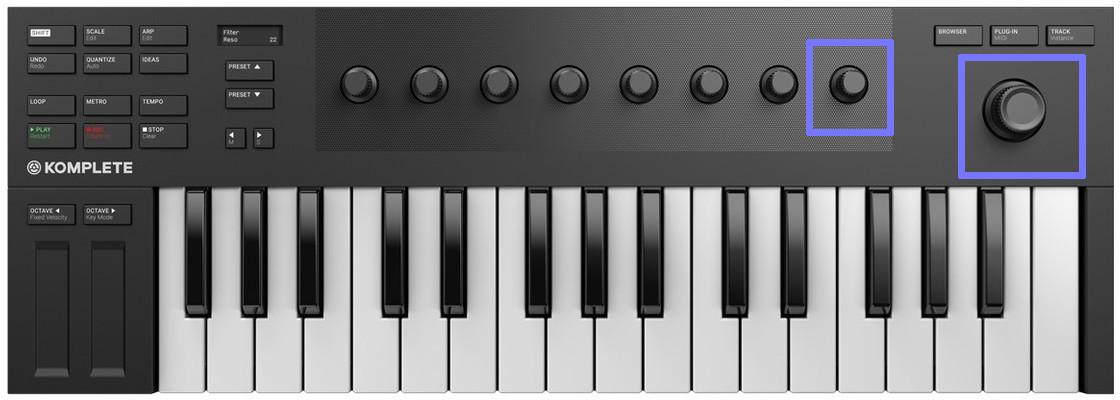
I had originally called this idea MX32. Then I came to nickname it HedgeHog: the (hypothetical) protocol, and also a device which speaks it, and also software that acts as hubs, routing events and data so as to present a users devices and computer as an integrated whole. As such, along with a mouse, I dream of users having 'hedgehogs', which are various devices with knobs and buttons which may be freely assigned by the user's software.
The TL;DR
- Read the HedgehogManifesto
Some articles
- TheCaseForMx32
- SocialMediaPosts
- UserInterfaceIdeas
- PieInTheSky (long term dreams and ambitions, divorced from the need to be doable-by-me)
SubWikis
Where I Am At Present
For now I am using OSC as an interconnecting message format as much as possible: if OSC can do it, use OSC. I am largely writing everything in Python, though the intent is to use Lua as the EmbeddedScriptingLanguage of choice as it is small and compact (Python is way too huge to be universal, but a Lua interpreter is a few hundred kilobytes). I have scripts that receive midi, generate HedgehogMessages, using OSC as a networkable InterprocessCommunication medium, and the convert to either keyboard/mouse events or Midi messages for applications that don't speak Hedgehog natively (which as of writing this is everything).
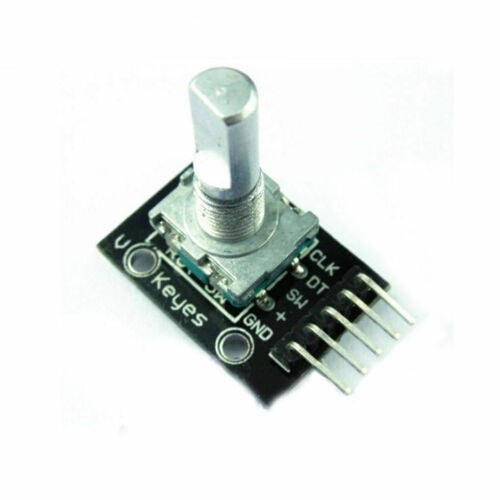
For example, I'm a fan of the NovationNocturn, which is probably as close to an ideal example of a knobs-and-buttons Hedgehog as you're likely to find: 8 smooth rotary encoders, 1 stepped encoder, and 16 buttons with LED lights. Alas under Windows and Macos, the Nocturn only works with Novation's proprietary and discontinued Automap software. So for Windows and Mac users it is basically e-waste. Linux treats it as a generic Midi device and so I can connect them to a Raspberry Pi which can then translate to HedgehogOsc messages that can be sent to my Windows machine, or possibly my mac (minis).
Directory
Pages
HedgehogManifesto PieInTheSky SocialMediaPosts TheCaseForMx32 UserInterfaceIdeas
Files
gimp_paint_brush_set_to_1.png gimp_paint_brush_set_to_10.png gimp_paint_brush_slider_highlight_1.png gimp_paint_brush_slider_region_of_interest.png gimp_paint_tool_options_1.png gimp_paint_tool_options_1_single_control.png gimp_with_big_sidebar_1.png ni_m32_buttons_and_keys_highlighted.png ni_m32_encoders_highlighted.png rotary_encoder_1.png