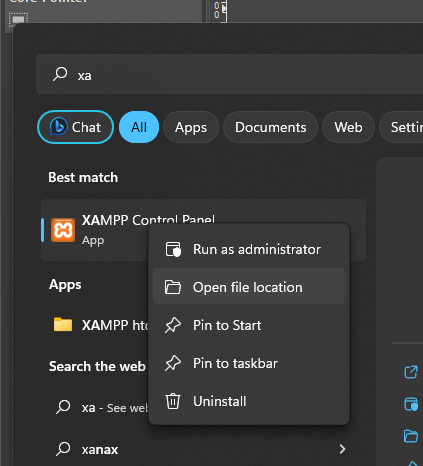
First, find Xampp in the start menu, right click and select 'Open file location'.
Then open the startup folder (Win+R and type in shell:startup).
Copy the xampp shortcut to the startup folder.
Now open the Xampp control panel and click Config in the top right corner. (Note that I had to modify the file
permissions in order for Xampp to be able to write the .ini file.) Here you can select what you want to autostart.